Introduction
In today’s digital landscape, visual communication is the backbone of every successful brand, social media presence, and personal project. Whether you are looking to create a stunning Instagram post, a professional logo, or a full-scale website mockup, you need the right set of tools to bring your vision to life.
However, for many newcomers, the sheer variety of available software can be overwhelming. Do you need a complex suite that requires months of training, or a simple app that lets you create something beautiful in minutes? This guide breaks down the best graphic designing tools for beginners in 2026, categorized by their ease of use, functionality, and creative potential.
Why Choosing the Right Graphic Designing Tools Matters
Selecting the right software isn’t just about what features are available; it’s about your learning curve and your ultimate goals.
- Ease of Use: If you are a non-designer, a tool with a steep learning curve can lead to frustration and abandoned projects.
- Cost-Effectiveness: Many beginners start as hobbyists or small business owners. Finding tools that offer a free tier or an affordable subscription is key.
- Versatility: You want a tool that can grow with you. Starting with a simple app that allows you to transition into more advanced techniques is a smart long-term strategy.
The Top 10 Graphic Designing Tools for Beginners
1. Canva
Canva is arguably the most popular graphic designing tool for beginners worldwide. It operates on a drag-and-drop interface, making it incredibly intuitive for those with no prior design experience.
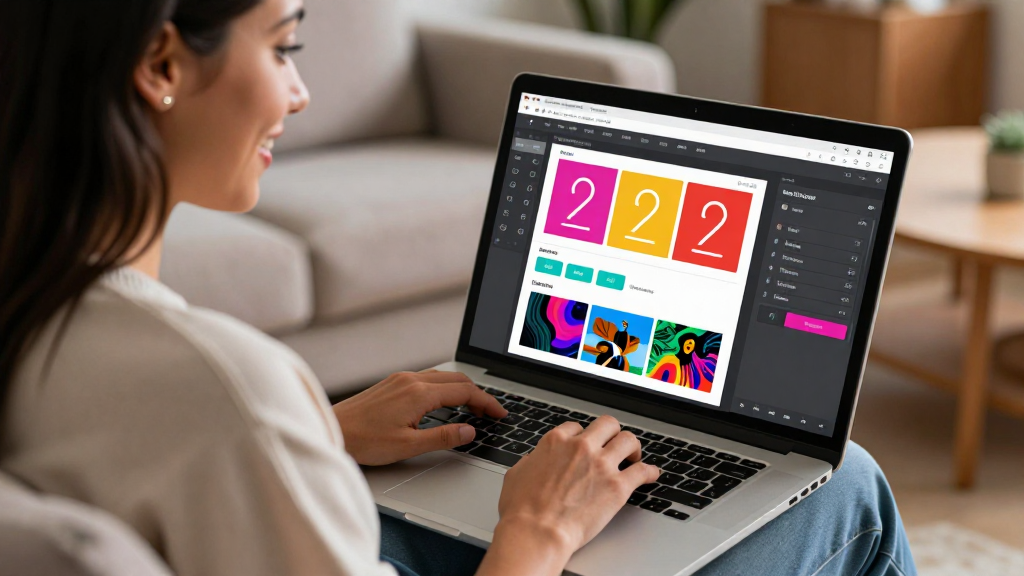
- Best for: Social media posts, presentations, and flyers.
- Key Feature: Thousands of pre-made templates that allow you to swap colors, fonts, and images instantly.
2. Adobe Express
Adobe Express is Adobe’s answer to Canva. It combines the power of the Creative Cloud ecosystem with a simplified, user-friendly interface. It is perfect for creating quick assets while maintaining a professional aesthetic.
- Best for: Quick branding assets and high-quality social media content.
- Key Feature: Access to Adobe Stock photos and high-quality fonts.
3. Figma
While often associated with UI/UX design, Figma has become a powerhouse for general graphic design due to its collaborative nature. It is browser-based, meaning you can work on designs from anywhere.
- Best for: Website mockups, app designs, and collaborative team projects.
- Key Feature: Real-time collaboration where multiple people can edit the same file simultaneously.
4. Pixlr
If you are looking for a web-based alternative to Photoshop, Pixlr is a fantastic choice. It offers a more advanced photo editing experience than Canva but remains much easier to navigate than professional desktop software.
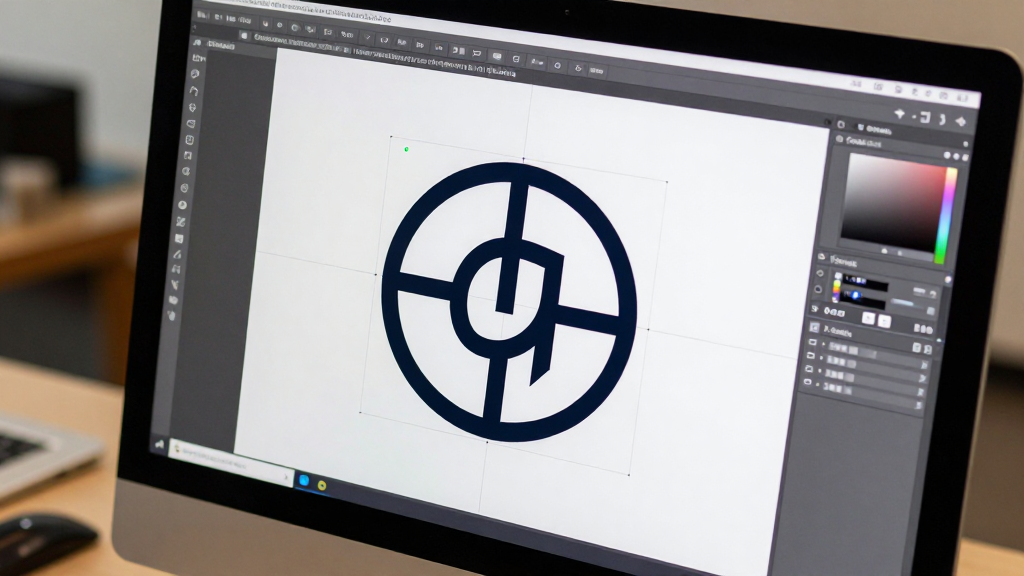
- Best for: Quick photo retouching and web-based graphic editing.
- Key Feature: No installation required; it runs entirely in your browser.
5. GIMP
For those who want a free, open-source alternative to Photoshop, GIMP is the gold standard. It is a heavy-duty tool that offers layers, masks, and advanced filters.\n- Best for: Detailed photo manipulation and advanced graphic editing.
- Key Feature: Completely free and highly customizable with various plugins.
6. Inkscape
When it comes to vector graphics (designs that can be scaled to any size without losing quality), Inkscape is the best free tool for beginners. It is the primary alternative to Adobe Illustrator.
- Best for: Logo design, icons, and vector illustrations.
- Key Feature: Open-source and handles SVG files natively.
7. CapCut
While primarily known as a video editor, CapCut has expanded into a massive graphic design suite. It is excellent for creating dynamic, motion-heavy graphics that are perfect for TikTok and Reels.\n- Best for: Short-form video content and animated graphics.
- Key Feature: Intuitive mobile app and desktop versions with trending effects.\n
8. Brandmark
For those who need a logo but don’t know where to start, Brandmark uses AI to help generate professional brand identities. It’s a great starting point for establishing a brand’s visual language.
- Best for: Instant logo generation and color palette ideas.
- Key Feature: AI-driven design that simplifies the branding process.
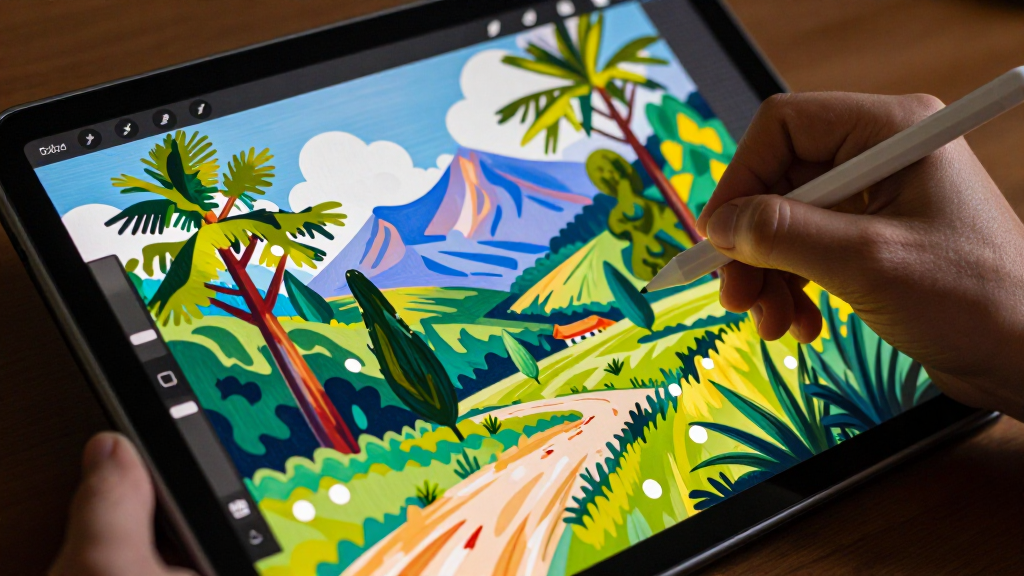
9. Procreate
If you have an iPad and an Apple Pencil, Procreate is the ultimate tool for digital illustration. It feels natural, like painting on canvas, but offers the power of digital layers and undo buttons.\n- Best for: Digital painting, sketching, and hand-drawn illustrations.
- Key Feature: Highly responsive brush engine and a very clean interface.
10. VistaCreate
Similar to Canva, VistaCreate offers a wide array of templates and a simple interface. It is often praised for its unique selection of high-quality graphics and easy-to-use animation features.\n- Best for: Marketing materials and promotional banners.

- Key Feature: Excellent library of high-quality templates for small businesses.
How to Choose the Right Tool for Your Goals
To find the best graphic designing tools for your specific needs, ask yourself these three questions:
- What is my primary goal? If you want to make social media posts, go with Canva or Adobe Express. If you want to draw, choose Procreate. If you want to design a logo, look at Inkscape or Brandmark.
- What is my budget? If you need free options, GIMP and Inkscape are your best bets. If you are willing to pay for a subscription for a more polished experience, Canva Pro or Adobe Express are excellent investments.
- How much time do I have to learn? If you need to produce a design in 10 minutes, stick to drag-and-drop tools. If you want to build a career in design, investing time in Figma or GIMP will provide a stronger foundational skill set.
Conclusion
Starting your design journey doesn’t require you to master every complex piece of software on the market. By choosing the right graphic designing tools for beginners, you can focus on what really matters: your creativity.
For most beginners, starting with Canva or Adobe Express is the fastest way to see results. However, as your skills grow, exploring vector tools like Inkscape or collaborative platforms like Figma will open up even more possibilities. Pick one tool today, start experimenting with templates, and watch your creative ideas come to life!
Quick Summary Table
| Tool | Best For | Learning Curve | Price Point |
|---|---|---|---|
| Canva | Social Media / Templates | Very Easy | Free / Subscription |
| Adobe Express | Branding / Content | Easy | Free / Subscription |
| Figma | UI/UX / Collaboration | Moderate | Free / Subscription |
| Pixlr | Web Photo Editing | Easy | Free / Subscription |
| GIMP | Advanced Photo Editing | Hard | Free |
| Inkscape | Vector Graphics / Logos | Moderate | Free |
| CapCut | Video / Motion Graphics | Easy | Free / Subscription |
| Brandmark | AI Logo Generation | Very Easy | Paid (Per use) |
| Procreate | Digital Illustration | Moderate | One-time Purchase |
| VistaCreate | Marketing Materials | Easy | Free / Subscription |